S1 Pro Firmware Update
If you want to update the firmware for the S1 Pro System
- Navigate to the Bose Updater Site
- Follow the prompts on the screen
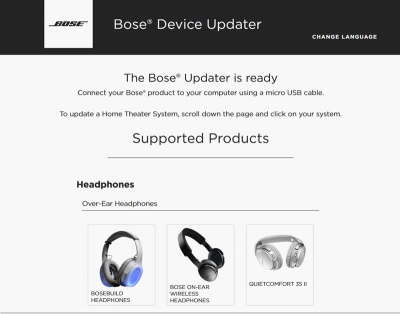
- When the screen looks like this connect the S1 Pro System to your computer
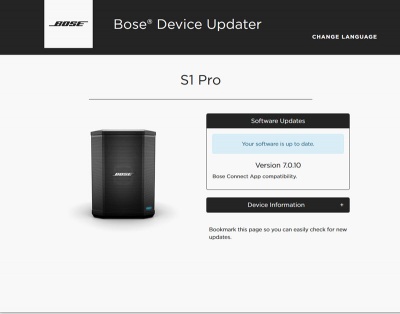
- If the screen says your system is up to date, you don't have to do anything more.
- If you want to reload the latest firmware (this should not be necessary but you can do it if you have been told by Bose Support to do it
Type adv followed by the up arrow, down arrow
The screen will look like this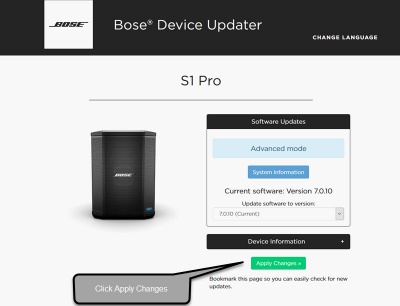
- Click Install Update and follow the prompts on the screen


