L1® Model II / Versions
Jump to navigation
Jump to search
- Question How do I know what versions of firmware I have?
- Answer
- Turn the Selector to Prefs
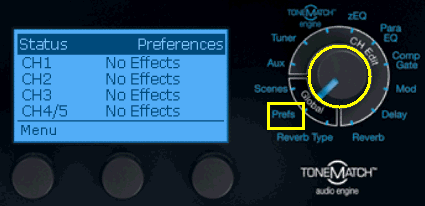
- Press the first button
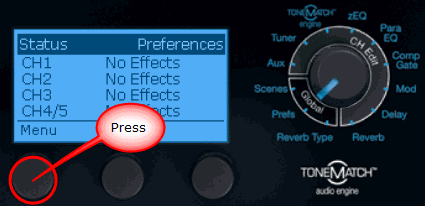
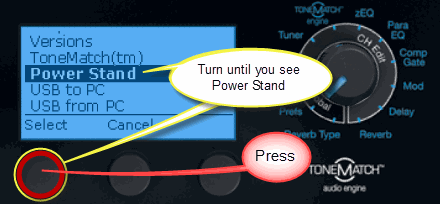
- Turn the first button until you see Power Stand
- Press the button
- Press the button
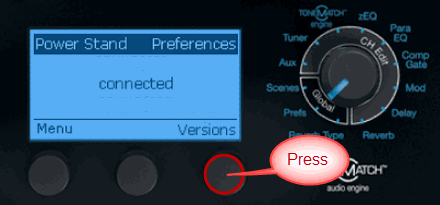
- The versions for the firmware will be displayed. The versions shown below are sample values.
See: L1® Model II Power Stand Firmware Updates for the latest firmware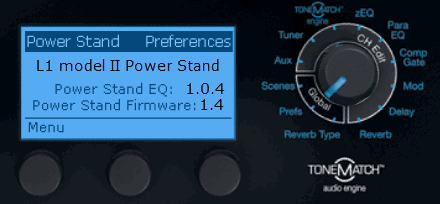


- L1® Model II Power Stand Firmware Updates - download the latest version of the firmware.